VIDEOS
CMS Abstraction Training
This recorded training series is for critical access hospital (CAH) staff with responsibility for data collection of Centers for Medicare & Medicaid Services (CMS) Inpatient and Outpatient quality measures. Pick individual topics that you have questions about, or listen to the full series for a comprehensive overview of the process to identify each measure population and abstract the required data elements. To view with captions, click the "CC" icon in the lower right of the video.
A step-by-step guide on how to download the Excel-based data collection tool, enter data, and run reports to calculate your measures along with a guided overview of how to abstract the EDTC measure using the Data Specifications Manual.
This series of bite-sized learning videos help strengthen skills for healthcare quality improvement professionals. Gain valuable insights, learn practical tools and discover best practices to drive continuous improvement. Whether you’re new to quality improvement or looking to sharpen your expertise, these bite-sized videos fit into your busy schedule.









This series of videos go over different topics mainly over the QualityNet website and its training.
| Topic | Video |
|---|---|
| How To Access My Profile |
|
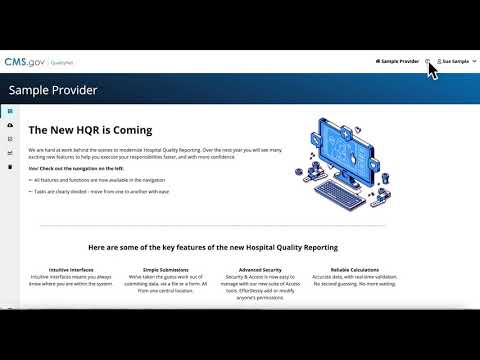
| How To Access Support |
|
| How to Add a Vendor |
|
| How to Add Permissions |
|
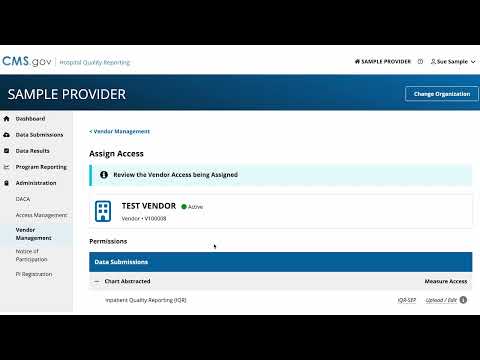
| How to Add Vendor Access and Permissions |
|
| How to Change Organizations |
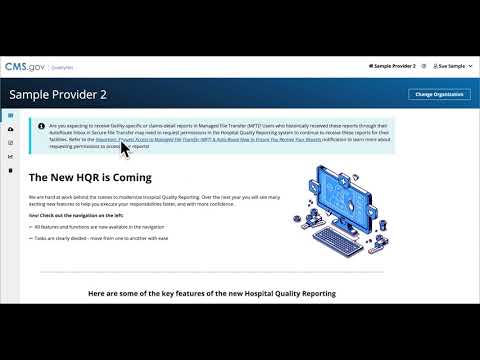
|
| How to check data results |
|
| How to check HCAHPS File Submissions Results |
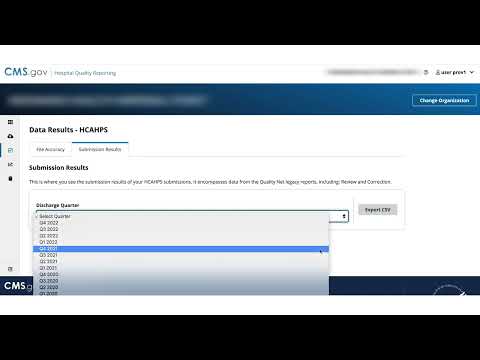
|
| How to Check on Status of a Request |
|
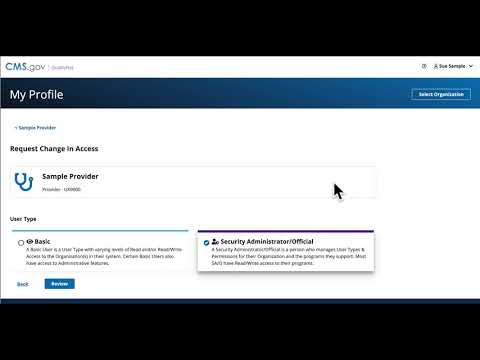
| How to Check Permissions |
|
| How to check program credit |
|
| How to complete PI Registration |
|
| How to Confirm And Save Permissions |
|
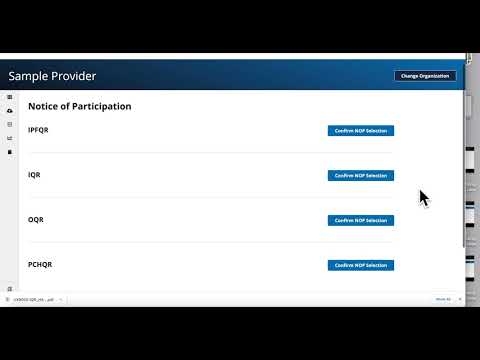
| How to confirm Notice of Participation selection |
|
| How to confirm Reporting Requirements |
|
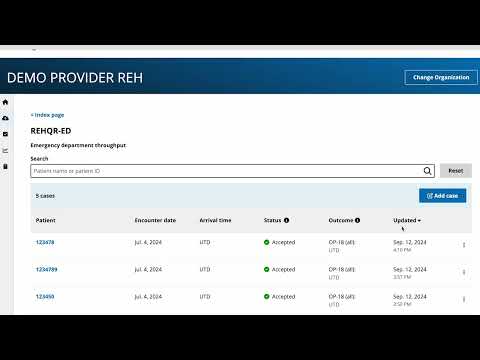
| How to enter chart abstracted data for REHQR |
|
| How to enter or upload chart abstracted data |
|
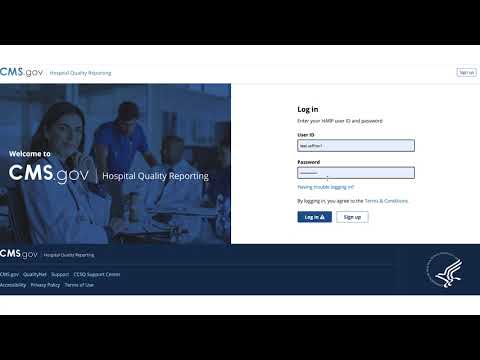
| How to log in to HQR |
|
| How to reactivate your organization account for security officials. |
|
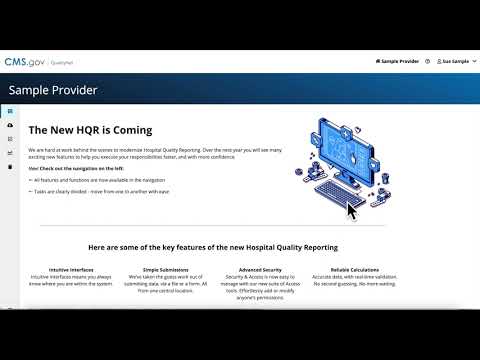
| How To Request Access |
|
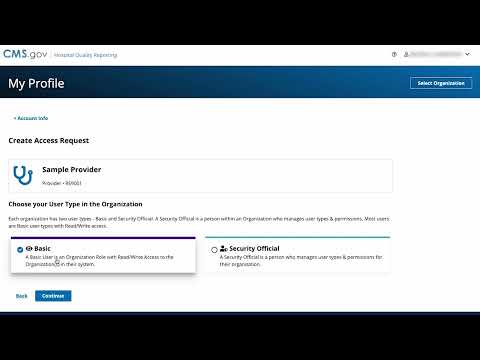
| How to request access to organizations and programs |
|
| How to Request SO if None Exists |
|
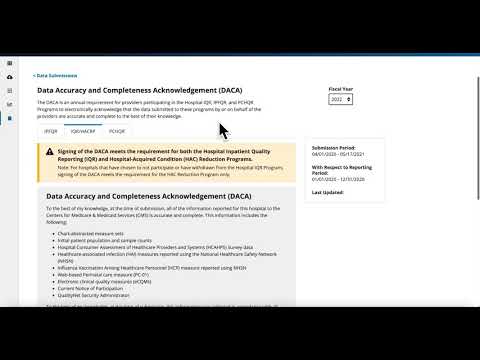
| How to sign Data Accuracy & Completeness Acknowledgement (DACA) |
|
| How to submit data for PRO-PM measures |
|
| How to Submit Data for the THA/TKA PRO-PM Reporting Periods |

|
| How to submit data via data form |
|
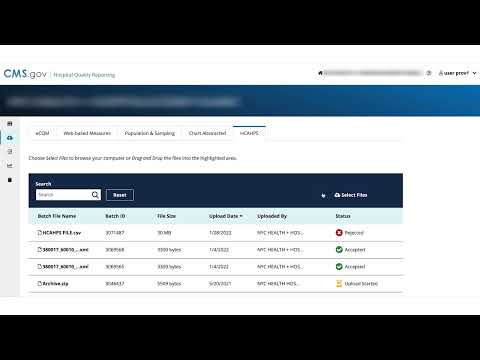
| How to Submit HCAHPS |
|
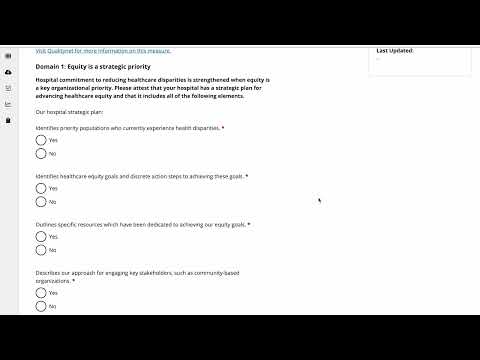
| How to submit HCHE and SDOH data |
|
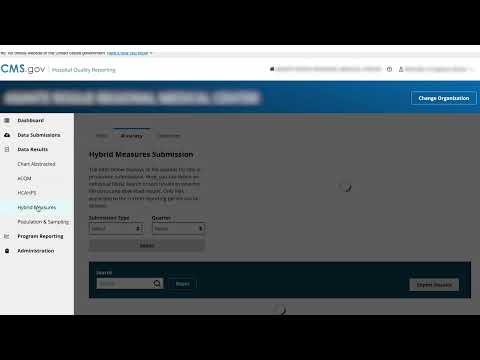
| How to submit Hybrid Measures and View Outcomes |
|
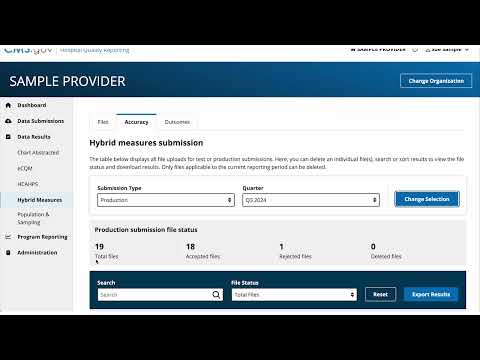
| How to submit Hybrid Measures and View Outcomes (Updated) |
|
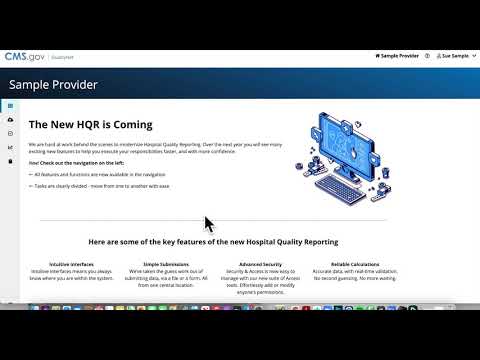
| How To Suspend Or Remove a Vendor |
|
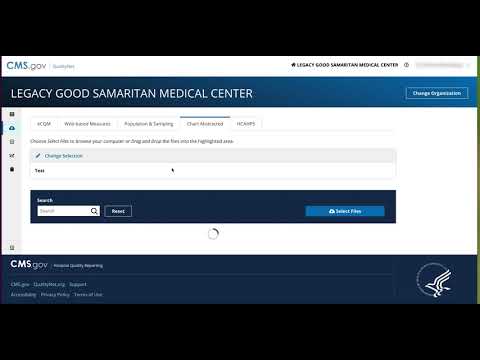
| How To Upload a Chart Abstracted File |
|
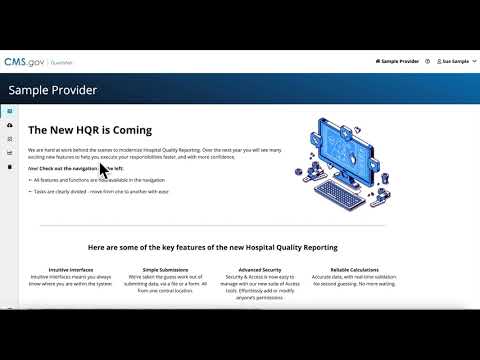
| How To Upload A File |
|
| How to upload a file via drag ’n drop |
|
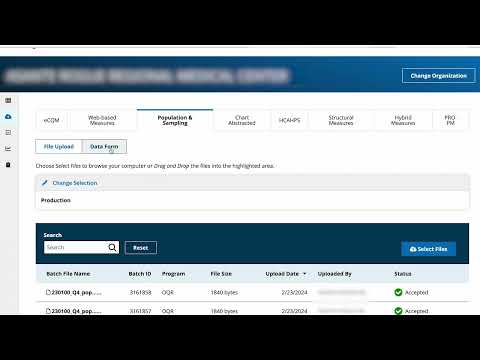
| How to upload a Population and Sampling File |
|
| How To Upload a Web Based Measures File |
|
| How to Upload an eCQM File |
|
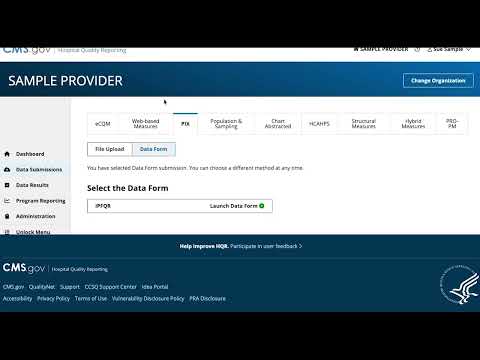
| How to upload and enter data for PIX surveys |
|
| How to view Claims-based measure reports. |
|
| How to View Measure Details |

|
| How to view my Denominator Declarations |
|
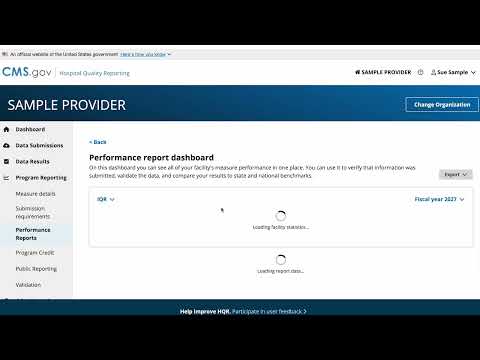
| How to View Performance Reports |
|
| How to view Performance Reports |
|
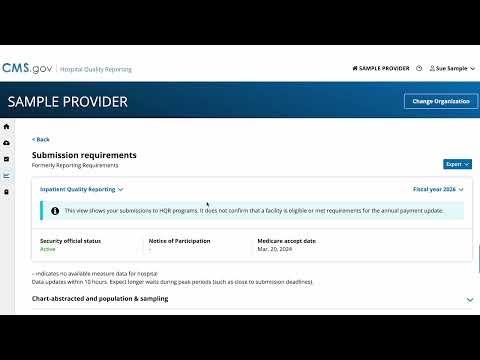
| How to View program submission requirements |
|
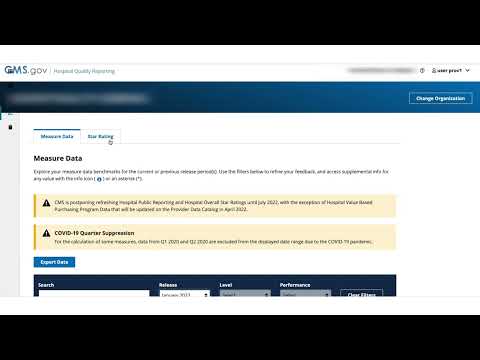
| How to view Public Reporting |
|
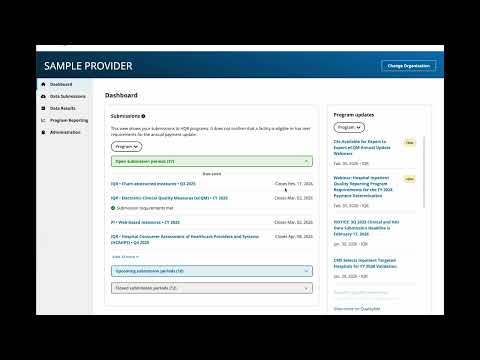
| How to view the HQR dashboard |
|
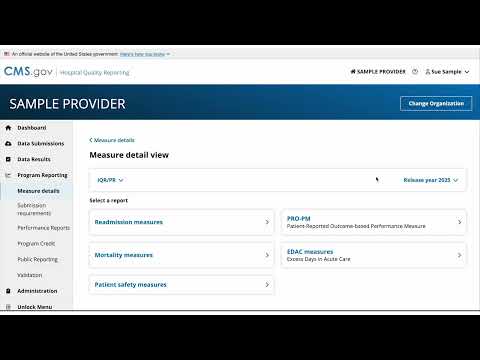
| How to view the Measure Details Interface |
|
| How to view Validation Reports |
|
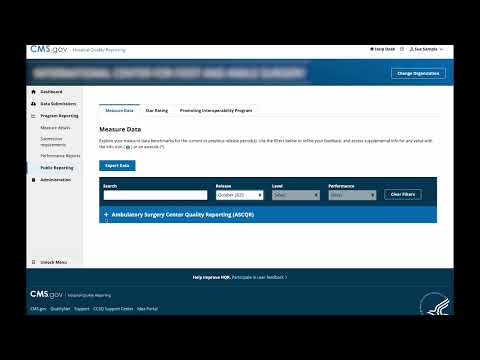
| How to view your ASC preview report |
|
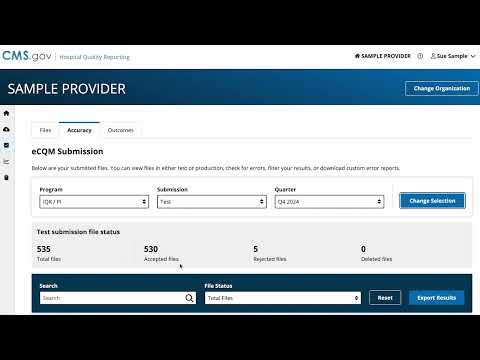
| How to view your eCQM data results |
|
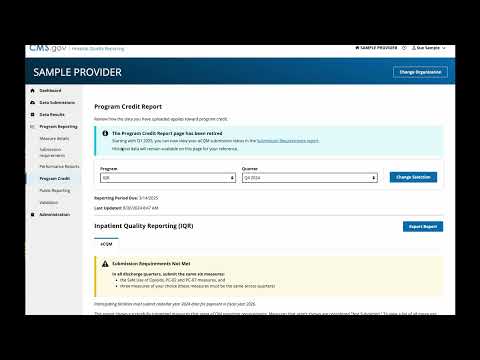
| Program credit reporting retiring: Where to confirm your eCQM submission status |
|
| Requesting Security Official Access when ASC has not been added to HQR system |
|
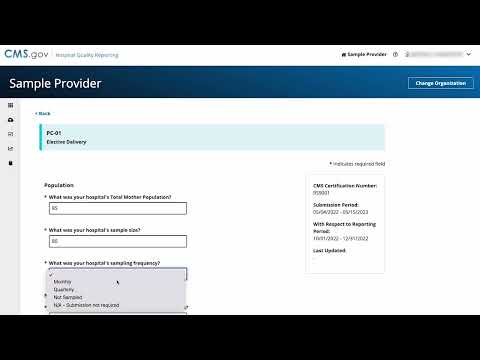
| Submitting web-based measure data using the data form |
|